In many cases, it is desirable that groups in a cable pillar are placed along the symbol edge of the cable pillar, while the ends of connected cables are placed in the center of the respective bay symbol. This is achieved when groups in cable pillars are placed with the From busbar position, and connected cables are placed with Between nodes.
For some types of editing, such as Edit > Object > Rotate object for a selected cable pillar, the connected cables graphic is not always automatically updated. The graphics and topology of a selected cable pillar may not match.
The Adjust devices in cable pillar, feeder function is used to recreate a correct and consistent placement of groups and connected cables after such editing.
|
Requires that the conductors are connected to the bays. |

1.Select Tools > Adjust devices in cable pillar, feeder.
2.Select cable pillar feeder and confirm.
Example of results
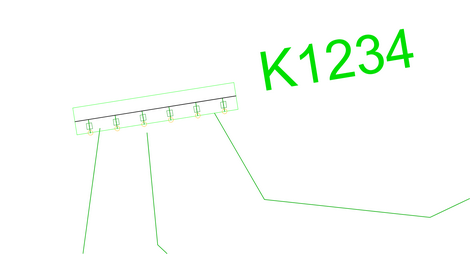
Before adjusted devices
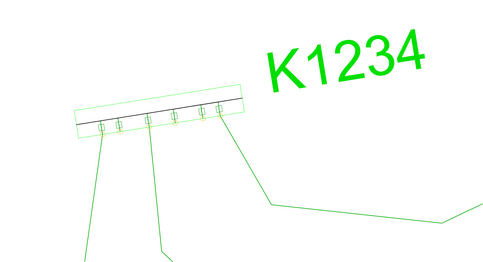
After adjusted devices